Native macOS
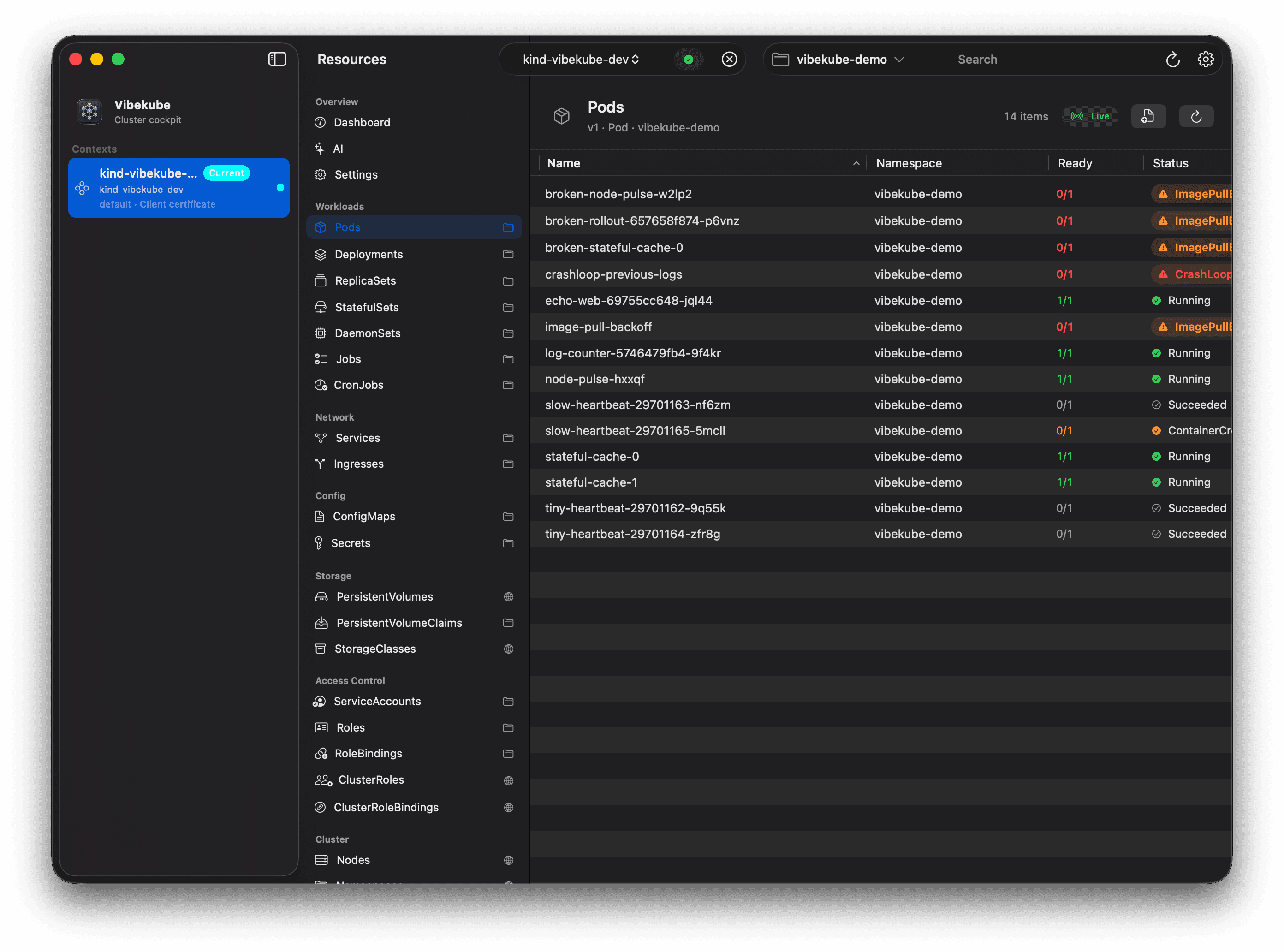
A real SwiftUI app with native windows, split views, toolbar controls, command menus, and macOS ergonomics.
A fast, AI-powered Kubernetes cockpit for people who live on macOS and want their cluster tools to feel like the rest of the system.
A real SwiftUI app with native windows, split views, toolbar controls, command menus, and macOS ergonomics.
Kubeconfig discovery appears immediately, cluster calls are cancellable, and resource lists stay responsive under load.
Ask about a selected resource with redacted context, related pod health, events, environment, and log snippets visible before provider calls.
Scale, restart, delete, and apply YAML through dry-run previews, diffs, typed confirmations, and local action history.
Not a website in a trench coat
Vibekube uses SwiftUI and macOS-native interaction patterns: window toolbars, split views, native tables, popovers, keyboard shortcuts, and system materials where they actually help.
Kubernetes has too much surface area for toy dashboards. Vibekube keeps tables, inspectors, and sidebars quiet, stable, and scannable.
Watches, reconnect status, version-aware refresh, and streaming logs make the app feel close to the control plane.
Secrets stay masked, diagnostics are redacted, AI context is visible before it leaves the machine, and mutations require previews and confirmation.
Screenshots
Open source
Vibekube is open source, from the native SwiftUI interface to the Kubernetes client internals. Read the code, follow the roadmap, fork it, or leave a star if the project clicks with your workflow.
AI without mystery meat
Vibekube AI starts from the selected resource, gathers read-only evidence such as events, related Pods, environment, and bounded log snippets, then shows what context is being used. Suggestions stay copy-only unless you choose to preview and apply normal Vibekube actions yourself.
Direct macOS download
The button reads the public MinIO bucket, finds the highest `Vibekube-x.y.z.dmg` semver release, and links straight to it.